Snapchat Story Viewer: How to Watch Public Stories Online (2026)
Explore public Snapchat Stories, Highlights, and Spotlight in your browser with a practical Snapchat story viewer guide.
Table of Contents
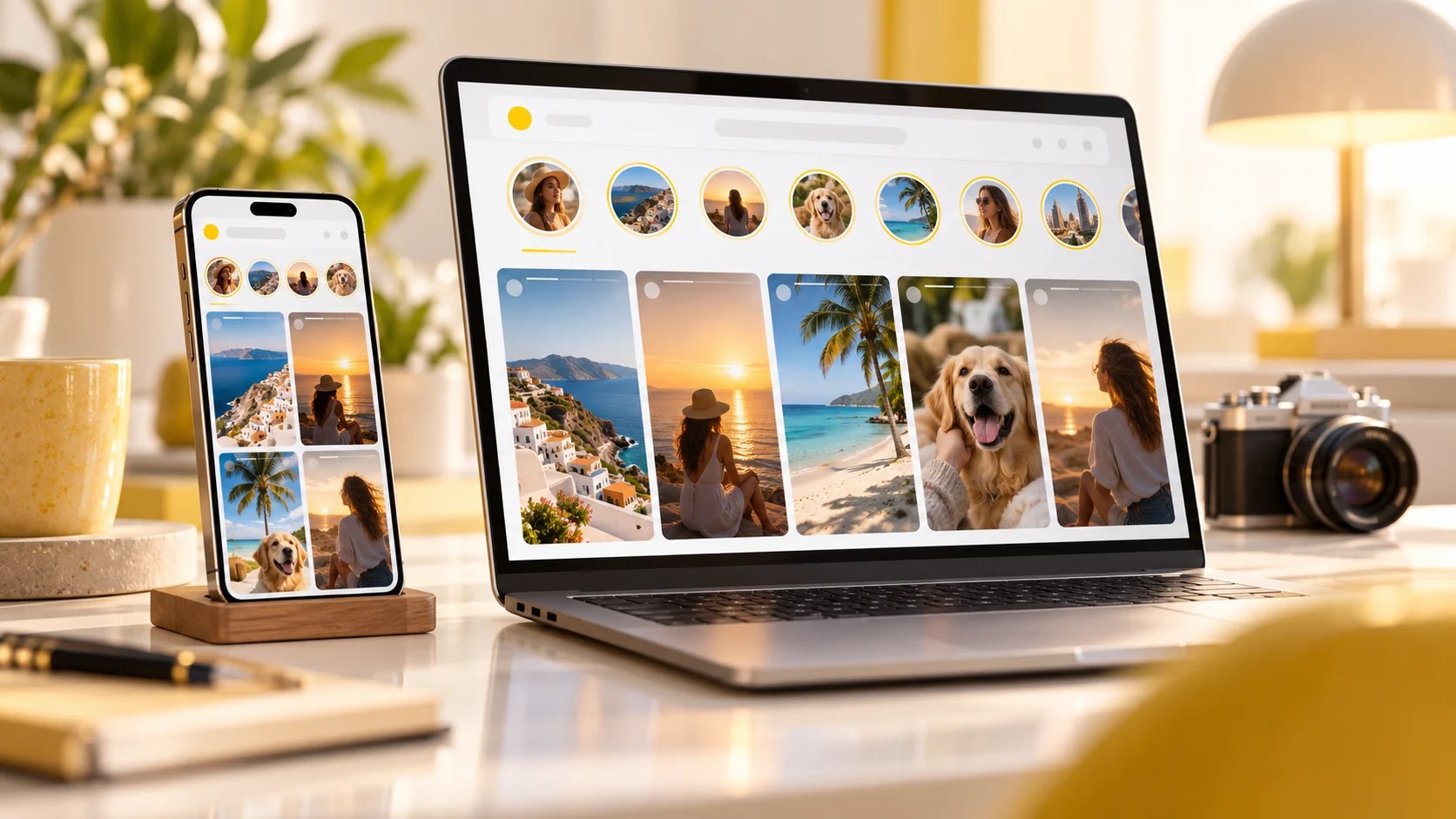
A Snapchat story viewer can make it easier to discover publicly available Stories from a browser, without opening the Snapchat app. Snapchat is known for disappearing Stories, but not everything on the platform is limited to friends or logged-in viewers. Public profiles can share content intended for a wider audience, including Stories, saved Highlights, and Spotlight videos. If you're looking for a simple way to explore that publicly shared content from a browser, this guide explains your options and their limitations.
Public Stories vs. private Stories: what can you actually see?
Before choosing a viewing method, it helps to understand the difference:
- Public Stories: Content a creator makes available through a public profile. Availability can change, and individual Stories may expire.
- Private or friends-only Stories: Content shared with a restricted audience. A third-party viewer cannot legitimately turn private posts into public ones.
- Highlights or saved Story collections: Publicly retained collections, where supported by the profile.
- Spotlight: Short-form videos shared through Snapchat's broader discovery experience.
A username alone doesn't grant access to everything someone has ever posted. A reliable viewer should clearly explain that it deals with public content only.
How to use a Snapchat story viewer in your browser
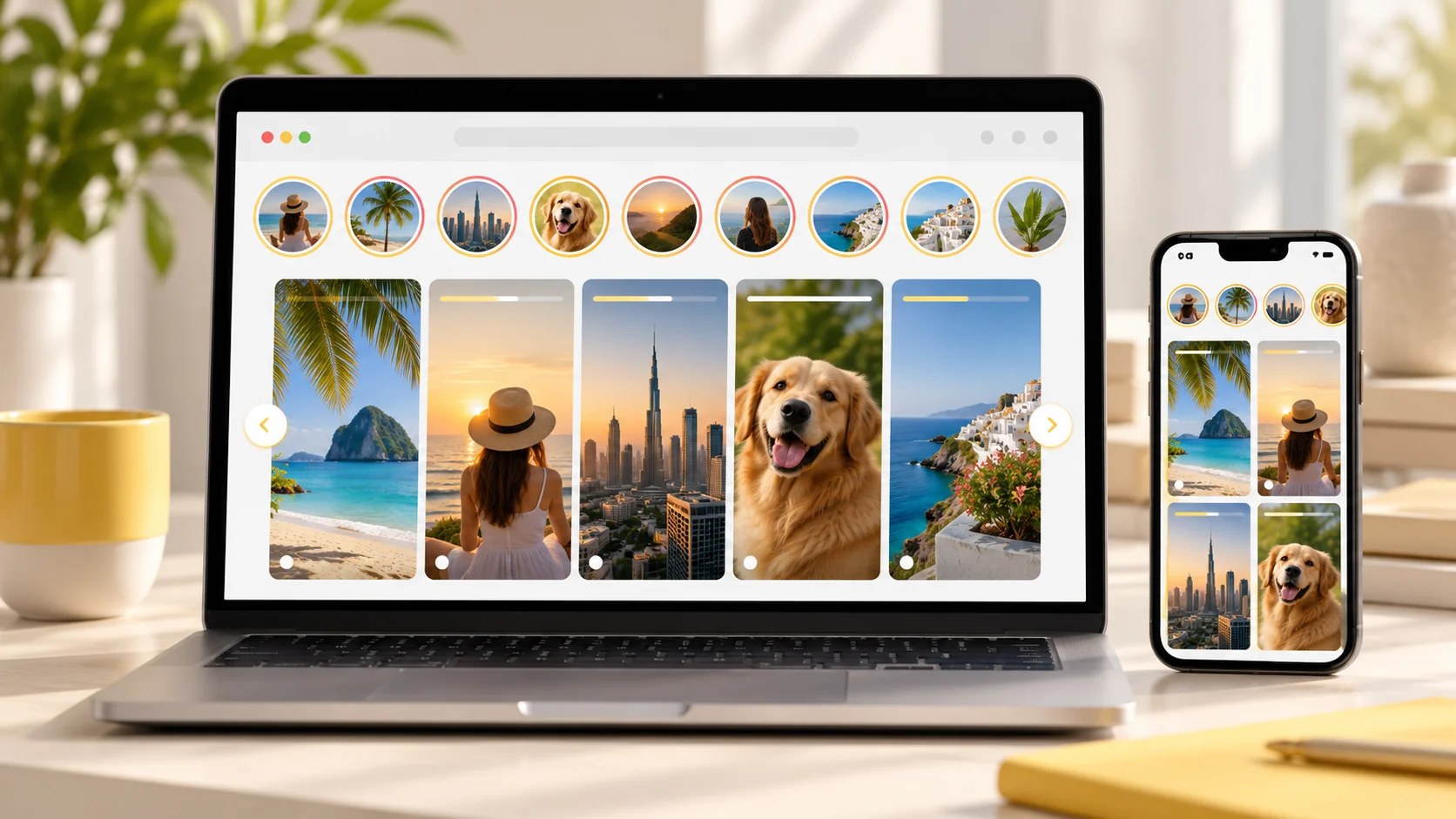
Step 1: Find the public profile or share link. Start with the creator's public username or a link they have shared. Double-check the spelling so you don't open the wrong profile.
Step 2: Open a browser-based viewing tool. For example, WePlayOld offers a Snapchat story viewer where visitors can enter a public username or paste a supported public Story, Highlight, or Spotlight link. The tool describes its service as free and says no Snapchat login is required.
Step 3: Choose the public content you want to watch. Depending on what the creator has published and what remains available, you may see active Stories, Highlights, or Spotlight posts.
Step 4: Respect creators' content. Watching a public post does not automatically mean you have permission to re-upload, sell, or republish it. Ask the owner before using their media outside personal viewing or permitted uses.
Can you watch Snapchat Stories without installing the app?
In some cases, yes. Public profiles and shared links can be accessible through web experiences or third-party tools. But the exact content you can open depends on Snapchat's current availability, the creator's privacy settings, and whether the post has expired or been removed. Some Snapchat features still require the official app or an account.
Stories, Highlights, and Spotlight aren't the same thing
Stories are typically time-sensitive updates. If a Story disappears from public availability, a viewing tool shouldn't promise to recover it.
Highlights are saved collections where a creator chooses to retain selected material on their profile. They can be useful when you're looking for older public posts that the creator has preserved.
Spotlight is Snapchat's short-video discovery format. Videos may remain available longer than a standard Story, but availability can still change.
What about downloading public Snapchat videos?
Some browser-based tools provide a download option for public photos or videos. Features vary: you may find a single-item save button or the ability to collect multiple available Story items into a ZIP file. Only save content you are authorized to keep, and don't assume a download gives you reuse rights. If a creator removes a post or limits access, respect that decision.
Safety checklist before using any Snapchat viewing website
A browser-based viewer should make the process simpler, not riskier. Use this checklist:
- Never type your Snapchat password into an unrelated website. A public viewer should not need account credentials.
- Avoid tools that claim to unlock private Stories. Those promises are a warning sign, not a useful feature.
- Watch for fake download buttons and browser notification prompts. Close pages that try to install unknown software.
- Check what the site says about public content and privacy. No tool can guarantee that every public post will always be available.
- Don't redistribute someone else's media without permission. Public visibility and publishing rights are different things.
Common problems and quick fixes
The username returns no results
Verify the exact spelling, check whether the account has a public profile, and try a supported public share link instead. A profile might exist without any currently available public Stories.
A Story was visible yesterday but is gone now
It may have expired, been deleted, or changed visibility. A viewer cannot reliably display content that is no longer publicly accessible.
A Spotlight video works but a Story doesn't
Those are separate Snapchat publishing formats. Their availability and supported links can differ.
The site asks for your Snapchat login
Don't enter it. For public-content browsing, favor services that do not ask for your account password.
Frequently asked questions
Can I watch private Snapchat Stories anonymously?
No legitimate public-story viewer can bypass a private audience restriction. You need the account owner's authorized access where required.
Do I need a Snapchat account to view public Stories?
Not always. Some public content can be explored through supported web pages or a browser-based viewer without signing in.
Are Snapchat Story viewers affiliated with Snapchat?
Not necessarily. Third-party services are generally independent unless they explicitly state and substantiate an official relationship.
Can a public Story viewer show deleted Stories?
You should not count on it. Once content expires, is deleted, or becomes private, it may no longer be available.
Does viewing a public Story mean I can repost it?
No. The creator may still own copyright and other rights in the content. Get permission or make sure a valid legal exception applies before republishing.
Final thoughts
The simplest approach is to start with content creators have intentionally made public, use a transparent browser-based tool when it suits your needs, and keep privacy and copyright in mind. The key distinction is not whether you have the Snapchat app installed; it's whether the particular Story, Highlight, or Spotlight post is actually available to the public.